 English
 Italian
 Spanish
 Turkish
 Portuguese
 Dutch
Dutch Korean
 Russian
 French
 German
 Polish
 Arabic
 Hindi
HindiBuilding a Connected Teaching and Research Environment Through Digital Education
Digital Transformation Must Connect Technology With Teaching Practice
Digital transformation in education involves more than equipping classrooms with interactive screens or replacing traditional teaching materials with digital files. Schools also need to consider how technology fits into lesson preparation, classroom instruction, professional development, and communication between teaching teams. Without a clear connection between equipment and daily educational work, investment in digital infrastructure may not translate into consistent use.
Teaching and research activities reveal this challenge particularly clearly. Teachers need time and suitable environments to review lessons, discuss instructional methods, share classroom experience, and examine ways to improve learning activities. School leaders must also coordinate these efforts, especially when professional exchanges involve multiple departments, campuses, or institutions. When materials are difficult to share or meetings rely heavily on one-way presentations, collaboration can become less flexible.
A more connected digital environment can support these activities by making teaching materials easier to present, discuss, annotate, and organize. Interactive displays, compatible teaching applications, and reliable connectivity can give participants a common working space. However, the technology needs to serve a defined educational purpose rather than become an additional layer of complexity.
FVASEE's cooperation with Yangguang Jiaoyue reflects this broader direction. The partnership focuses on digital environment hardware, normalized teaching application tools, and the development of teaching and research activities. Its stated direction includes school-based, inter-school, and county-level collaboration, with continued support tailored to actual teaching and research scenarios.
The important question is therefore not simply which devices a school should install. It is how digital tools, teacher participation, and educational organization can work together to support a more connected approach to teaching and research.
Why Traditional Teaching and Research Arrangements Need New Support
Teaching and research often depend on discussion, observation, and the exchange of professional experience. A subject group may review a lesson plan, a teacher may demonstrate a new instructional approach, or a school may organize a meeting to discuss recurring classroom challenges. These activities can take place without advanced equipment, but their coordination becomes more demanding when the number of participants, volume of materials, or geographical coverage increases.
One common difficulty is that teaching materials are not always presented in a way that encourages collaborative analysis. A presentation may contain useful information, yet participants may have limited opportunities to compare different versions, annotate specific details, or build on one another's observations. When comments are recorded separately from the materials being discussed, useful ideas can also be harder to organize after a meeting.
Another challenge concerns continuity. A single demonstration lesson may generate valuable discussion, but its usefulness depends partly on whether the observations can inform subsequent lesson planning or professional development. Schools need practical ways to share relevant materials, record agreed actions, and bring discussion back into everyday teaching. Technology can assist with this work, provided the school establishes appropriate processes for managing and using the information.
Differences in digital experience also matter. Some teachers may be comfortable working with digital resources, while others may need additional time to become familiar with new equipment. Introducing a system without considering these differences can create uneven adoption across departments.
These issues suggest that digital education projects should begin with an assessment of current working practices. Schools can identify where communication becomes difficult, which activities require shared visual materials, how teachers currently exchange resources, and what support they need to use new tools confidently.
This assessment helps define a realistic project scope. Instead of purchasing equipment in anticipation of general improvement, a school can connect each proposed function with a specific teaching or research requirement.
Interactive Displays as a Shared Working Space
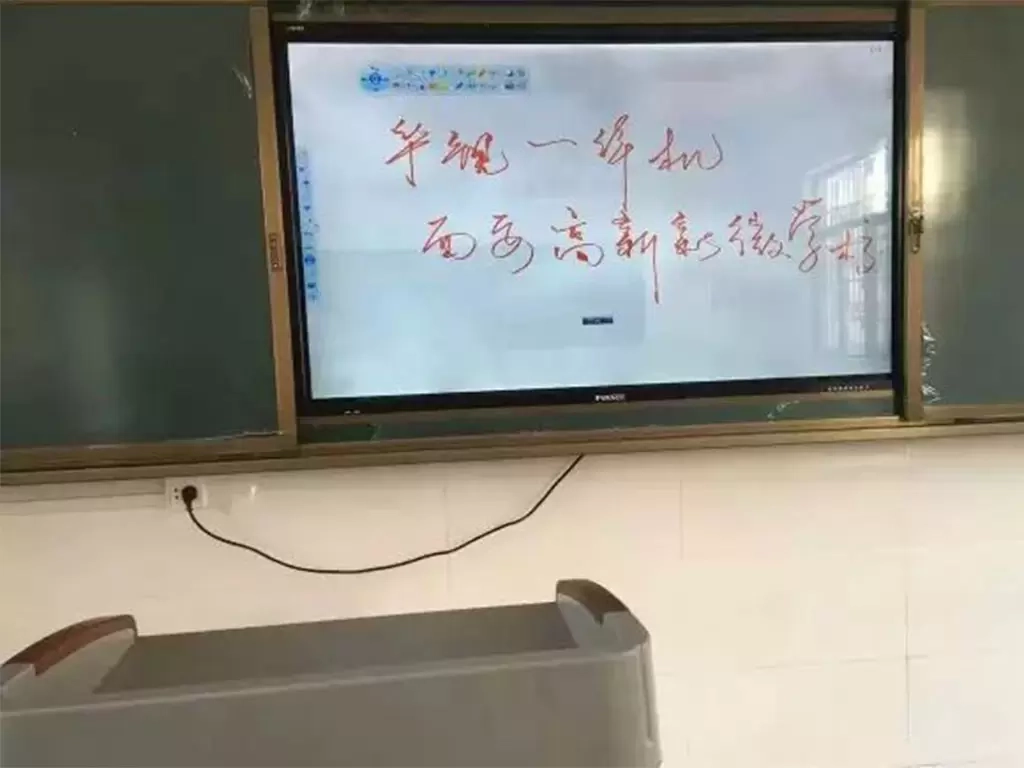
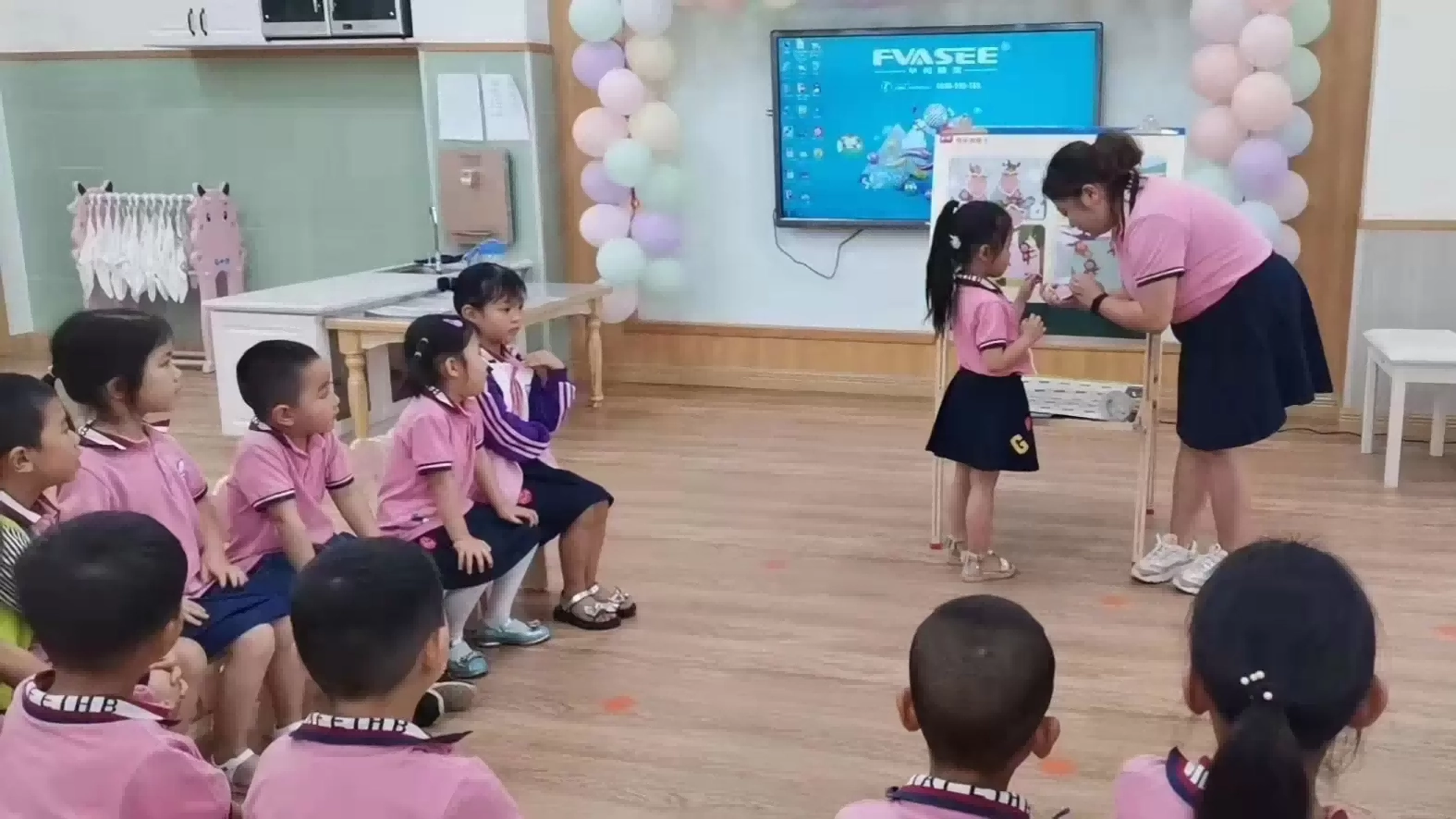
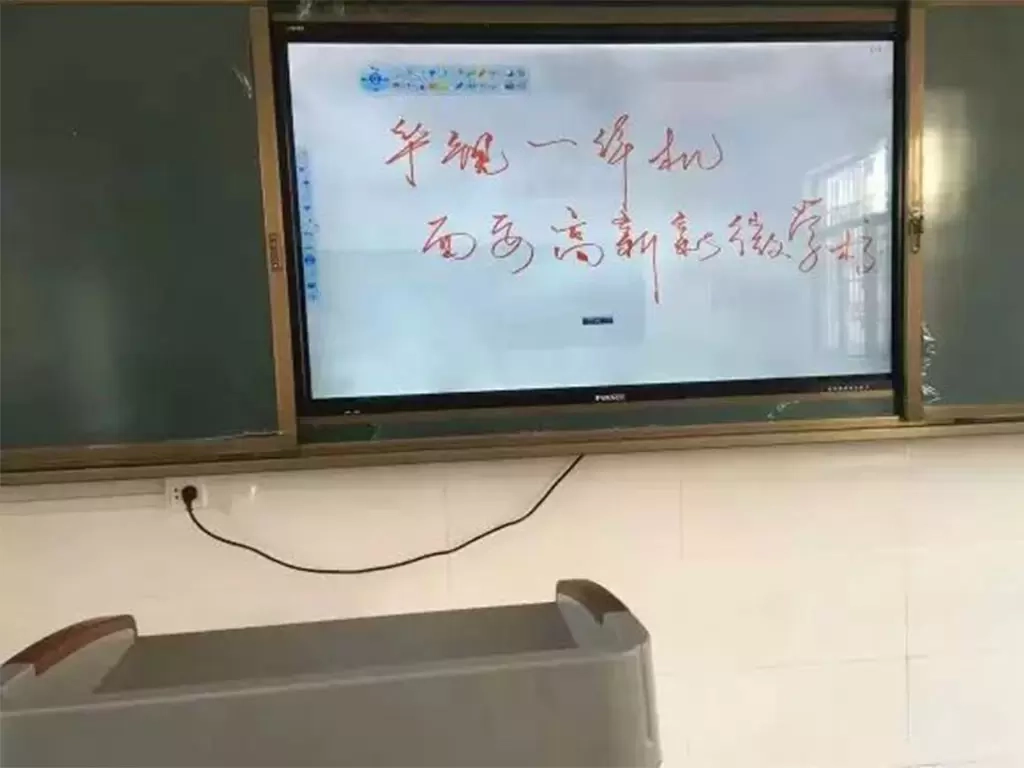
An interactive display for education can provide a shared visual environment for presenting teaching materials and supporting group discussion. Depending on the model and software configuration, teachers may be able to annotate slides, highlight important information, compare examples, display multimedia resources, or interact directly with content on the screen.
These functions are relevant because teaching and research frequently involve examining information together. During a lesson review, for instance, a teacher may present a section of a lesson plan and explain the reasoning behind its structure. Colleagues can focus on the same material, discuss alternative approaches, and identify points that deserve further consideration. Touch interaction may make it easier to mark up a diagram or record an idea while the discussion is taking place.
The same working method can support subject meetings. Teachers can compare learning resources, review the sequence of a teaching activity, or discuss how a difficult concept might be presented to students. The display becomes a common reference point rather than a screen used exclusively for one person's presentation.
An interactive display can also support demonstrations that combine text, images, diagrams, audio, and video. The choice of media should follow the learning objective. A science demonstration may require detailed images, while a language lesson may depend more on text, pronunciation, or contextual video. In a teaching and research meeting, the relevant question is whether the chosen resource helps participants examine the instructional decision being discussed.
The equipment alone does not guarantee better collaboration. Its practical value depends on ease of operation, visibility, connection options, software compatibility, and the way teachers organize activities around it. Schools should evaluate these factors together rather than treating touch functionality or screen resolution as sufficient measures of suitability.
When introduced with a clear purpose, interactive display technology can help make professional discussion more visual, participatory, and closely connected to the teaching materials under review.
From Individual Lessons to Collaborative Lesson Development
Digital tools can support different stages of a teaching cycle, beginning with preparation and continuing through instruction and reflection. Looking at these stages separately helps schools determine where equipment can make a practical contribution.
During lesson preparation, teachers often need to organize materials from several sources and decide how information should be introduced. A shared screen can help a teaching team review a presentation, compare alternative explanations, or identify where students may need more guidance. Participants can focus on the sequence and clarity of the lesson rather than merely checking whether the files are ready.
During classroom instruction, an interactive flat panel for education can combine visual presentation with direct interaction. Teachers may annotate a diagram, work through a problem, display a recorded demonstration, or invite students to contribute to a shared activity. These functions should support the lesson objective, not add interaction for its own sake. The teacher's subject knowledge and understanding of students remain central to instructional decisions.
After a lesson, the same materials may provide a starting point for reflection. Teachers can discuss which explanations were clear, where the lesson could be adjusted, and which resources might be useful in another class. Where classroom recordings or student work are used, the school should establish appropriate permission, access, and data-handling procedures.
The continuity between these stages is important. If the materials prepared for a lesson can also support a review meeting, teachers have a more direct way to connect planning with classroom practice. If feedback is then incorporated into subsequent preparation, teaching and research can become a recurring process rather than a series of disconnected meetings.
Schools do not need to digitize every step at once. A practical starting point may be a subject group that already holds regular lesson-planning sessions. After teachers have established a useful workflow, the school can assess whether the same approach suits other departments or teaching scenarios.
Connecting School-Based, Inter-School, and County-Level Activities
The Yangguang Jiaoyue cooperation places school-based, inter-school, and county-level teaching and research among its intended areas of development. These settings have different organizational requirements, so they should not be treated as interchangeable uses of the same equipment.
School-based teaching and research is closely connected to everyday classroom needs. Teachers within a school can discuss lesson design, exchange subject-specific resources, and coordinate teaching approaches. Digital displays can support these meetings by providing a shared space for reviewing materials and recording points for follow-up. Because participants may already work within an established team, the priority is often to integrate technology into existing routines without making meetings more complicated.
Inter-school collaboration introduces a broader range of experience. Teachers from different institutions may have different resources, student needs, and instructional approaches. A demonstration lesson or shared workshop can provide a basis for examining these differences. Presentations, annotated materials, and compatible online meeting systems may help participants communicate more clearly, although remote participation requires suitable network conditions and supporting software.
County-level teaching and research can involve more extensive coordination. Organizers may need to arrange activities across schools, communicate schedules, share materials, and provide access to specialist knowledge. Digital equipment can support the presentation and discussion of resources, but a successful regional activity also requires clear responsibilities, suitable meeting arrangements, and a process for communicating outcomes to participating schools.
These levels can reinforce one another. Questions emerging from classroom practice may shape school-based discussions. Those discussions can lead to inter-school exchanges, where teachers compare different ways of addressing similar challenges. Wider activities may then help circulate useful teaching resources and professional experience across a region.
Digital tools can reduce some of the practical barriers involved in these exchanges, but they cannot create professional collaboration on their own. Shared objectives, relevant content, active participation, and appropriate coordination remain essential. Equipment should be selected and configured to support these requirements.
Combining Hardware, Applications, and School Workflows
A digital teaching environment typically involves several connected elements. Display hardware provides the visual interface; software supports access to materials and teaching activities; network infrastructure enables relevant forms of communication; and school procedures determine how resources are used and shared.
If one element is overlooked, the overall experience may suffer. A display with suitable specifications may still be difficult to use if teachers cannot connect their existing devices easily. A remote meeting system may be available, yet the session can become ineffective when network performance is unreliable or participants cannot view shared materials clearly. Similarly, useful digital resources may remain underused if teachers lack practical guidance on accessing them.
For this reason, project planning should consider the complete workflow. Schools can begin by documenting the equipment and applications currently used in classrooms and meeting rooms. They can then identify connection requirements, file formats, software dependencies, and any restrictions imposed by the existing IT environment. These checks are particularly important before equipment is deployed across multiple rooms.
The school should also decide how teaching materials will be managed. Teachers need to understand where approved resources are stored, how updated versions are shared, and who can access particular files. If student information or recordings are involved, access controls and privacy requirements need to be addressed from the beginning.
An interactive flat panel for schools should therefore be evaluated as part of the wider educational environment. Screen performance matters, but so do system compatibility, usability, maintenance, and the practical needs of different teaching teams.
A coordinated approach also makes future expansion easier to plan. When the school has documented its requirements and established consistent procedures, it can assess additional rooms or activities against the same criteria. This reduces the risk of introducing equipment that works well in isolation but does not fit the school's wider operating model.
Choosing Equipment Around Real Educational Requirements
Equipment selection should follow a structured review of the intended use. Different classrooms and meeting spaces may require different configurations, so procurement teams should assess the environment rather than rely on a universal specification.
Screen size and readability are basic considerations. The display should suit the room dimensions, viewing distance, and typical content. Small text, detailed diagrams, and teaching materials with fine visual elements need to remain readable from the positions where teachers and participants will sit or stand.
Touch interaction is relevant when teachers intend to annotate materials or invite participants to contribute directly on screen. Schools should test the functions they expect to use regularly, including writing, erasing, switching between content, and working with commonly used teaching resources. The number of simultaneous users and the expected interaction pattern should also be considered.
Connectivity deserves equal attention. HDMI, USB, wireless sharing, and other connection options may be useful depending on the school's existing devices and applications. Buyers should verify compatibility rather than assume that all systems will work together automatically. Operating system requirements, software licensing, and the availability of technical updates may affect long-term use.
Room conditions also influence the final decision. Installation height, viewing angles, ambient light, power access, cable management, and the stability of the mounting surface all affect usability. For rooms intended for remote teaching and research, additional requirements may include cameras, microphones, speakers, and compatible conferencing systems. These components should be assessed as part of the overall setup.
Finally, schools need a realistic view of total project costs. The budget may include equipment, installation, accessories, training, maintenance, software, and future replacement. The lowest initial price may not represent the most suitable option if essential functions or support arrangements are missing.
A careful evaluation connects each purchase decision to a defined use case. This gives administrators a clearer basis for comparing suppliers and helps ensure that technical specifications reflect educational priorities.
The Role of School-Enterprise Cooperation in Long-Term Implementation
Schools understand their teaching objectives, institutional culture, staff capabilities, and local development priorities. Technology providers bring product expertise, technical resources, and implementation experience. School-enterprise cooperation can connect these areas, but its value depends on how clearly the partners define their responsibilities and maintain communication.
The process should begin with requirement alignment. Discussions can cover the activities to be supported, the number and type of rooms involved, existing equipment, and the difficulties teachers currently face. These details help establish the difference between essential functions and optional features.
Solution planning follows. Hardware, software compatibility, installation, and training should be considered together. If the project includes several teaching and research scenarios, the plan may need to accommodate different room layouts and participation formats. The solution should also specify which services are included and which responsibilities remain with the school.
After deployment, teacher feedback provides a useful basis for reviewing the arrangement. Some difficulties may relate to configuration or connectivity, while others may reflect a need for clearer operating guidance. A structured feedback process helps the school and its partner identify recurring issues and decide what adjustments are appropriate.
Ongoing support is particularly relevant when digital equipment becomes part of regular school operations. Schools need to understand how technical problems are reported, how maintenance is arranged, and how updates are handled. For regional projects, consistent procedures can help reduce differences in the way participating institutions use and maintain their equipment.
For an interactive display manufacturer, knowledge of educational use cases can inform product selection and technical recommendations. An interactive display supplier also needs to communicate specifications, compatibility requirements, delivery arrangements, and after-sales responsibilities clearly. Neither role should be judged solely by the device supplied; the relevant scope of service matters as well.
Effective cooperation does not mean that the provider takes responsibility for educational outcomes. Schools retain responsibility for curriculum, teaching decisions, teacher participation, and the management of educational activities. The partner's role is to deliver the agreed products and services and help the school address technical and implementation requirements.
FVASEE and Yangguang Jiaoyue: A Cooperation Framework for Smart Teaching and Research
FVASEE's cooperation with Yangguang Jiaoyue is focused on developing a digital teaching and research demonstration environment. The supplied case information describes Yangguang Jiaoyue as a pilot unit for informatization innovation in teaching and research, with an emphasis on advancing educational digitalization. FVASEE contributes educational informatization application tools and services, with digital environment hardware and normalized teaching applications forming part of the cooperation direction.
The case places teachers, classrooms, and teaching at the center of the development approach. These three areas are connected. Teachers need practical tools to prepare and deliver lessons; classrooms need an environment that supports the intended activities; and teaching applications need to fit the school's daily educational processes. Addressing only one area may leave gaps between the equipment and its actual use.
The planned cooperation also considers the school's teaching and research management model. Rather than limiting the work to individual classroom installations, the stated direction includes activities, projects, cooperation, and interaction across school-based, inter-school, and county-level settings. These formats create different opportunities for teachers to share experience, exchange materials, and participate in professional discussions.
Another identified area is continued service planning based on actual teaching and research scenarios. The supplied information mentions activity support, regional coordination, and access to high-quality expert resources. These elements indicate that the cooperation is intended to extend beyond hardware provision toward supporting a wider teaching and research framework.
It is important to distinguish this development direction from measured project outcomes. The available case information does not provide quantified results, a confirmed list of installed models, or data demonstrating changes in teaching performance. The case should therefore be presented as a cooperation initiative and a planned direction for development, not as proof of specific improvements.
Its practical relevance lies in the combination of technical resources and educational organization. Schools considering similar projects can use this framework to ask how equipment will support regular activities, how teachers will participate, what resources need to be shared, and what kind of support will remain necessary after deployment.
How a Teaching and Research Demonstration School Can Support Wider Collaboration
A demonstration school can provide a setting where teaching approaches, digital tools, and professional exchange are brought together. Its wider value depends not simply on the presence of equipment but on whether useful practices can be communicated, adapted, and applied in other educational settings.
For example, a school may organize a demonstration lesson followed by a discussion of lesson design and teaching materials. The digital environment can help participants follow the presentation and examine specific content. If the activity includes colleagues from other institutions, shared materials and suitable communication tools may help extend participation beyond the host school.
Expert involvement can add another dimension. Subject specialists may provide feedback on lesson structure, instructional choices, or the suitability of learning resources. Digital presentation tools can make it easier to review relevant materials during these exchanges, although the quality of the discussion still depends on the expertise and preparation of the participants.
Regional coordination also requires a practical approach to resource sharing. Organizers need to decide which materials are appropriate to distribute, how participating schools can access them, and whether further discussion or follow-up activities are needed. A shared digital environment may support these processes, but it should be accompanied by clear arrangements for permissions, access, and information management.
The objective should be to create repeatable activities rather than isolated demonstrations. Schools can document the structure of a session, gather feedback, identify useful resources, and determine whether another activity would help participants apply the ideas in their own teaching environments.
For the Yangguang Jiaoyue cooperation, the stated intention to support regional linkage and high-quality expert resources provides a basis for this type of development. The extent of its wider impact will depend on implementation and participation over time. A sustainable model requires both suitable technical support and a clear educational purpose for each activity.
Evaluating Progress Beyond Equipment Installation
The installation of digital equipment is easy to record, but it does not provide a complete picture of whether a project is serving its intended purpose. Schools need evaluation methods that reflect actual use and the quality of implementation.
Usage records can provide one source of information, where available and appropriate. Schools may review how frequently rooms are used for teaching and research, which functions teachers rely on, and whether equipment remains available when needed. These observations should be interpreted carefully: frequent use does not automatically demonstrate improved teaching, while occasional use may be reasonable for rooms dedicated to specific activities.
Teacher feedback offers another perspective. Short reviews can identify recurring technical problems, training needs, and functions that are useful in practice. Teaching teams may also discuss whether digital materials are easier to share, whether meeting arrangements are more manageable, or whether follow-up activities are being organized more consistently. These are areas for evaluation, not results that should be assumed in advance.
Operational reliability matters as well. Schools can monitor recurring connection issues, maintenance requests, repair arrangements, and the time required to resolve technical problems. Where several institutions participate in a project, consistent reporting helps identify whether the difficulties are local or shared across the wider environment.
Evaluation should also consider the resources required to maintain the system. Staff time, technical support, software costs, and future replacement needs all influence long-term sustainability. A realistic review helps school leaders decide whether to adjust training, revise workflows, or plan further investment.
The purpose is continuous improvement rather than proving that every digital initiative has succeeded. By combining technical observations with teacher feedback and a review of educational activities, schools can make more informed decisions about how the environment should develop.
Moving Toward a More Connected Teaching and Research Model
Digital education becomes more useful when equipment, applications, and professional practices are planned as parts of the same system. Interactive displays can provide a shared visual workspace, teaching applications can support access to resources, and suitable connectivity can help people exchange information across different settings. These elements are most effective when they respond to clearly defined educational needs.
For schools, the first step is to understand the teaching and research activities that need support. Equipment selection should follow that assessment, with attention to compatibility, room conditions, teacher training, maintenance, and long-term costs. Implementation should then be reviewed through actual use and feedback rather than installation records alone.
FVASEE's cooperation with Yangguang Jiaoyue reflects an approach that connects digital environment hardware with normalized teaching applications and broader teaching and research activities. Its stated development direction includes school-based, inter-school, and county-level cooperation, along with continued support tailored to educational scenarios.
The next steps for any such initiative depend on implementation, institutional priorities, and sustained teacher participation. Technology can provide the conditions for more accessible presentation, shared analysis, and coordinated professional exchange, but it must remain in service of the school's educational objectives.
For institutions evaluating an education technology partner, the most useful questions extend beyond product specifications. They include whether the solution fits existing workflows, whether teachers can use it effectively, how support will be delivered, and how the school will review progress over time. Addressing these questions creates a more practical foundation for digital teaching and research than equipment deployment alone.