 English
 Italian
 Spanish
 Turkish
 Portuguese
 Dutch
Dutch Korean
 Russian
 French
 German
 Polish
 Arabic
 Hindi
HindiPortable Smart TV for Home Office Use: What Can You Do with It?
Working from home often means making one room serve several purposes. The desk may be used for video meetings in the morning, online training in the afternoon, and entertainment after work. When space is limited, adding a separate monitor, television, and presentation screen may not be the most practical solution.
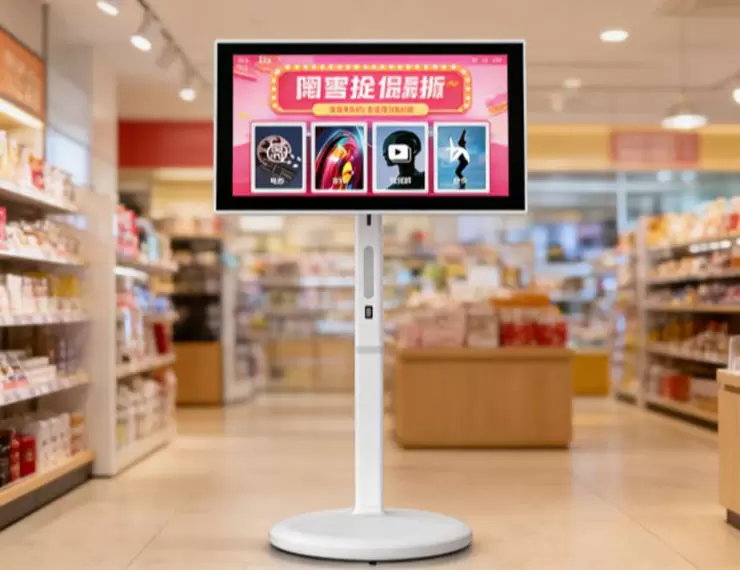
A portable smart TV offers another option. Mounted on a rolling stand, it can be moved between rooms and positioned according to the task at hand. Depending on the model and its configuration, it can support video calls, display work materials, play online learning content, and provide a larger screen for personal entertainment.
For people who want more flexibility from their home office equipment, the important question is how a Portable Smart TV fits into everyday work. Screen size, connectivity, stand adjustment, operating system, and power options all affect its usefulness.
Using a Portable Smart TV for Video Meetings
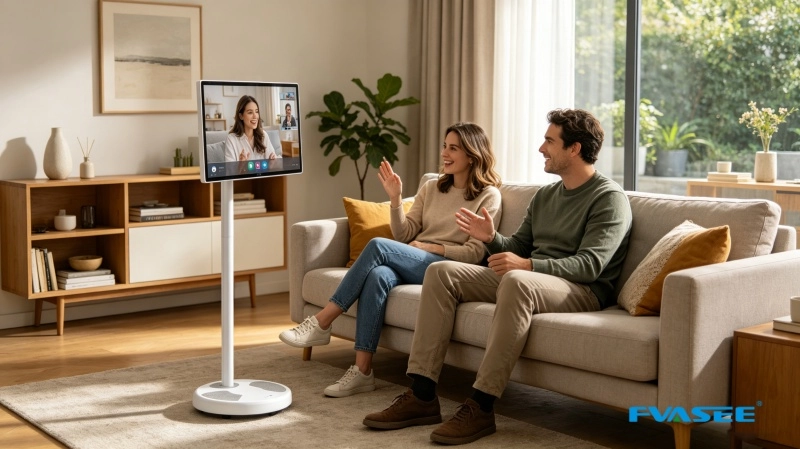
Video meetings are a regular part of remote work. While a laptop can handle most calls, its screen may feel cramped when a meeting involves several participants, shared documents, or visual presentations. A larger display can make meeting content easier to follow, especially when the user needs to refer to notes or review information while speaking.
A Mobile Smart Display can provide a separate viewing area for compatible meeting content. Depending on the software, connection method, and device configuration, users may be able to display a meeting on the larger screen while keeping their laptop available for typing, note-taking, or managing other tasks.
Before using a portable smart display for business meetings, check how it connects to the devices and applications already in use. HDMI connections, supported wireless screen casting, and compatible applications may offer different ways to display content. Not every model supports every connection method, so compatibility should be confirmed before purchase.
Audio also deserves attention. Users should check whether the selected model has suitable built-in speakers and whether an external microphone, headset, or other audio device is needed for their meeting setup. A larger screen alone does not guarantee better call quality.
For people who regularly attend remote meetings, the practical advantage is the ability to position the display where it is most comfortable to view, then move it aside when the meeting ends.
Displaying Documents, Spreadsheets, and Work Materials
A home office often requires more than a screen for video calls. Employees may need to review spreadsheets, read reports, follow online training materials, or share a presentation with a colleague sitting nearby.
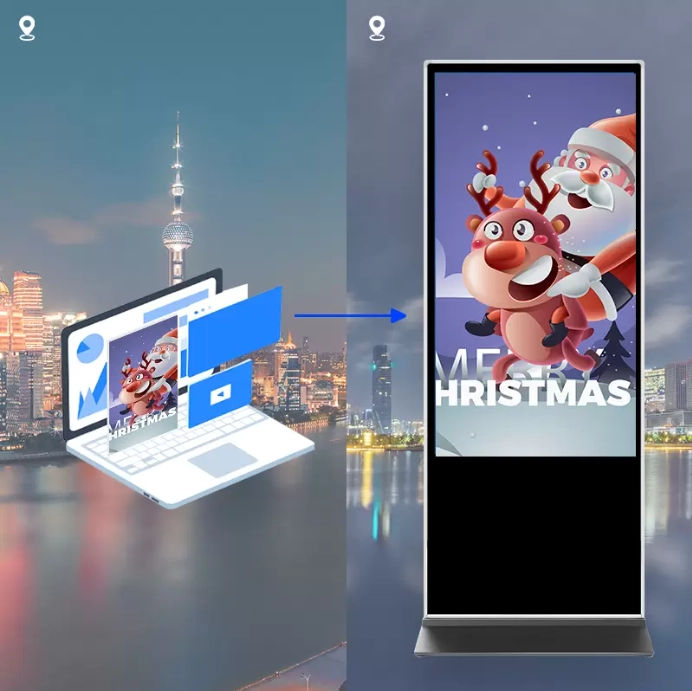
A portable smart display can provide a larger viewing area for these tasks when connected to a compatible computer or other source. For example, a user could display a presentation on the screen while referring to notes on a laptop. A small business owner might use the display to review product images, check a project timeline, or present information during a discussion with a client.
Screen size should match the type of work. Smaller displays may be easier to move through narrow spaces, while a 27-inch or 32-inch model can offer more room for presentations and visual content. However, screen size is only one factor. Resolution, text scaling, viewing distance, and the type of material being displayed also influence readability.
Users should also distinguish between screen mirroring and an extended desktop. Mirroring shows the same content on two screens, while an extended desktop allows compatible computers to use separate display areas. Whether the latter is available depends on the display's connections, the computer, and the operating system. A portable smart TV should not be assumed to function as a fully independent computer monitor in every setup.
For work that involves detailed spreadsheets, long documents, or specialized software, confirm the supported display resolution and connection options before choosing a model.
Making Online Training and Remote Learning Easier
Professional development does not always take place in an office or training room. Employees may attend webinars, complete online courses, watch product demonstrations, or follow technical tutorials from home.
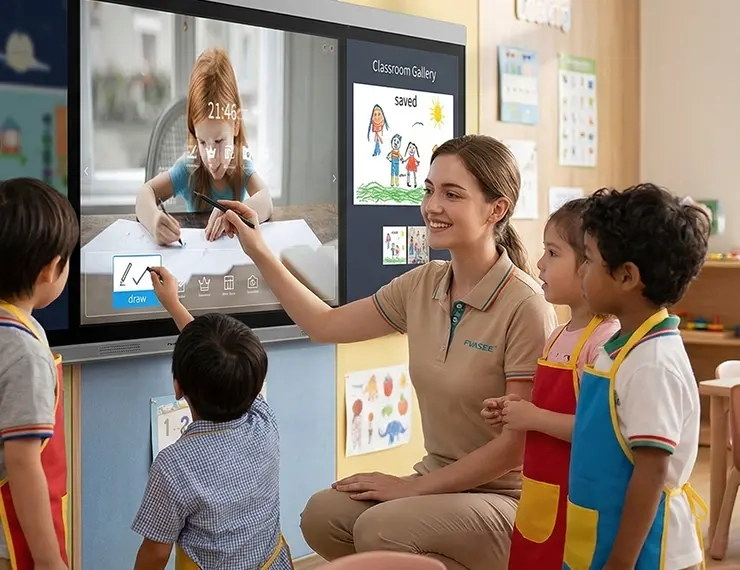
A rolling smart screen can make these activities easier to arrange. Users can move the display closer to a desk when following detailed instructions or position it in another part of the home when participating in a longer training session. A larger viewing area may also make diagrams, charts, and demonstration videos easier to follow than viewing them on a phone.
The setup depends on the learning platform and the selected device. Some users may access compatible applications directly through the smart system, while others may prefer to connect a laptop or cast content from another device. Checking application availability and connection compatibility in advance can prevent interruptions during a scheduled session.
For households where several people work or study from home, mobility can be particularly useful. The display can be moved to a shared study area when needed and returned to another room after the session, without requiring permanent wall installation.
Switching Between Work and Personal Use
Home office equipment is often expected to serve more than one purpose. After a workday, the same space may become a place for watching videos, following a fitness class, reading online content, or spending time with family.
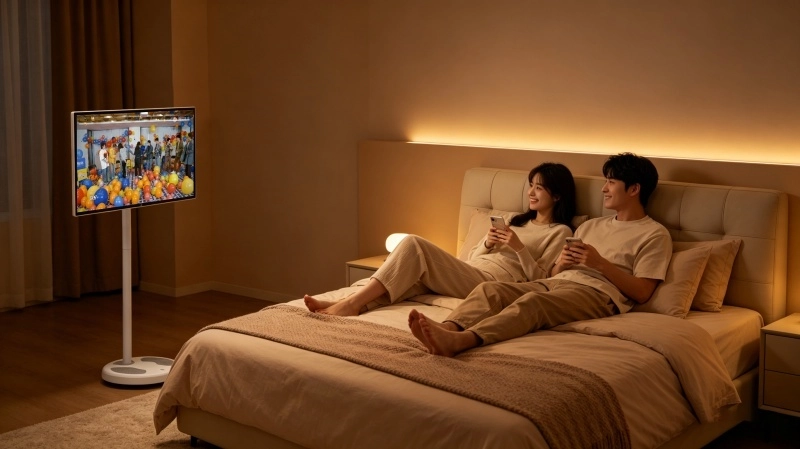
A Portable Smart TV can support this change in routine by allowing users to reposition the screen instead of keeping it permanently attached to one wall. It may be placed beside a desk during working hours, moved to a comfortable seating area in the evening, or positioned in a bedroom for personal viewing.
The Android smart system available on compatible FVASEE models can provide access to supported applications and online content. Application availability may vary by model, system version, region, and service provider. Users should confirm that their preferred streaming or productivity applications are supported before making a purchase.
Wireless screen casting can offer another way to share compatible content from a phone, tablet, or laptop. It can be useful for displaying photos, presenting a document, or sharing content with others. The specific casting protocols and supported devices should be checked against the product specifications.
Touchscreen versions may also suit users who prefer direct interaction with on-screen content. Non-touch models can be appropriate when the main tasks involve video playback, presentations, or viewing materials from another device. Choosing between them should depend on actual usage rather than the assumption that more features are always better.
Why the Rolling Stand Matters in a Home Office
The stand has a direct effect on how easily a portable display fits into daily routines. A screen that is technically movable may still be inconvenient if the stand is difficult to maneuver, occupies too much floor space, or cannot be positioned comfortably.
Before selecting a rolling smart screen, consider the following points.
Movement between rooms: Check the stand's dimensions, wheel design, and overall stability. The display should be manageable in the spaces where it will be used, including doorways and areas with limited clearance.
Viewing height: An adjustable stand can help users position the screen for seated work, standing discussions, or relaxed viewing. The useful adjustment range depends on the specific model.
Screen rotation and tilt: Some portable smart displays support portrait and landscape viewing or offer adjustable tilt. These features may help with different types of content, but the supported range should be verified for the model being considered.
Storage and floor space: A rolling stand still occupies floor area. Measure the intended location and consider where the screen will be stored when it is not in use.
Cable management: Power and connection cables can affect mobility. A tidy setup reduces clutter and makes it easier to reposition the display without pulling on connected devices.
FVASEE offers portable smart display options with rolling stands and adjustable configurations. Buyers should compare the specifications of individual models rather than assume that every stand provides the same adjustment range or movement features.
Choosing the Right Screen Size for Home Office Tasks
FVASEE's portable smart display range includes 21.5-inch, 24-inch, 27-inch, and 32-inch options. The best choice depends on available space, viewing distance, and the type of content shown most often.
Screen size | Potential home office use | Main consideration |
21.5-inch | Personal viewing, online lessons, compact work areas | Takes up less space |
24-inch | Everyday browsing, video playback, general home use | Balances size and mobility |
27-inch | Presentations, video meetings, shared viewing | Provides more room for visual content |
32-inch | Larger presentations, entertainment, shared use | Requires more space and careful positioning |
These are general selection guidelines rather than fixed rules. A 24-inch display may be sufficient for a small home office, while someone who frequently reviews visual materials may prefer a larger screen. The user's desk arrangement, viewing distance, and need to move the display all matter.
It is also important to distinguish between screen size and working capability. A larger portable smart TV does not automatically replace a professional monitor, particularly when a job requires specific color accuracy, high refresh rates, or specialized display connections. Buyers should match the product to the work rather than relying on screen size alone.
Battery Power or a Fixed Power Supply?
Power options influence where a portable smart display can be used. FVASEE provides models with optional built-in battery configurations, while other setups may rely on a fixed power supply.
Battery-powered options can make it easier to position the screen in locations where a power outlet is inconvenient. This may be useful when moving between rooms or rearranging a temporary workspace. However, battery capacity, operating time, charging requirements, and performance vary by configuration. Buyers should confirm these details with the supplier rather than assume that all models offer the same level of cordless operation.
A model that uses a fixed power supply may be suitable when the screen is mainly used near a desk or in a regular viewing area. It can also reduce the need to manage battery charging. For users who move the display frequently, the location of available outlets and the length of the power cable should be part of the decision.
The right option depends on how often the screen moves and where it will normally be used. Mobility is useful, but the power arrangement must remain practical for the intended environment.
What to Check Before Buying a Portable Smart TV
A home office display should work with existing devices and fit the user's routine. Before placing an order, review the following areas:
● Operating system: Confirm which system version is provided and whether the required applications are supported.
● Connectivity: Check HDMI, USB, wireless network support, screen casting, and other connections required by the intended devices.
● Touch capability: Confirm whether the selected model is touch-enabled and whether touch functions work with the operating system and connected equipment.
● Display specifications: Review resolution, brightness, screen size, and viewing requirements.
● Stand configuration: Check height adjustment, tilt, rotation, wheel design, and overall dimensions.
● Power options: Confirm whether the model uses a fixed power supply or offers a battery configuration, including the relevant operating specifications.
● Technical support: Ask about warranty terms, troubleshooting procedures, spare parts, and after-sales service.
For businesses purchasing multiple units, it may also be useful to confirm packaging, model consistency, customization options, and delivery arrangements with the supplier. FVASEE provides OEM and ODM customization capabilities, but the available configurations should be discussed and confirmed for the specific project.
A More Flexible Display for Everyday Work
Home office equipment needs to fit the way people actually work. Some users need a larger screen for meetings and presentations, while others want one display that can move between work, learning, and entertainment. A rolling smart screen can help meet these needs when its functions and configuration match the intended use.
FVASEE Portable Smart TV models offer options that may include an Android smart system, different screen sizes, rolling stands, wireless casting, touchscreen configurations, and optional battery power. The exact features depend on the model selected, so checking the specifications is an important part of the buying process.
For anyone setting up a flexible home office, the goal is to choose a display that works with existing devices, fits the available space, and remains convenient throughout the day. With the right configuration, a Portable Smart TV can become a useful part of both the working environment and everyday home life.